How to print a calendar that fits the page
Paper size, scale, margins and ink settings for a calendar that fills the sheet without clipping, on US Letter or A4.
1. Pick the right file
- PDF: best for printing. The fonts are embedded and the page size is exact.
- PNG: an image for annotation apps, slides, or a phone that will not open the PDF.
- For planning drafts, start with the classic black & white monthly template.
2. Paper & orientation
Choose US Letter (8.5×11 in) or A4 (210×297 mm) in the download panel. Each option has its own correctly sized PDF and PNG. Portrait is default for monthly sheets; landscape templates are labeled in the monthly gallery.
3. Margins that don’t clip
- Prefer “Actual size” only when your printer’s non-printable margin is small.
- If edges cut off, switch to Fit / shrink to printable area and turn borderless off unless you know your printer handles it.
- Disable “Headers and footers” in the browser when printing the weekly on-page grid.
4. Save ink
- Grayscale + draft/economy mode for classroom stacks.
- Skip color-modern until the final wall copy.
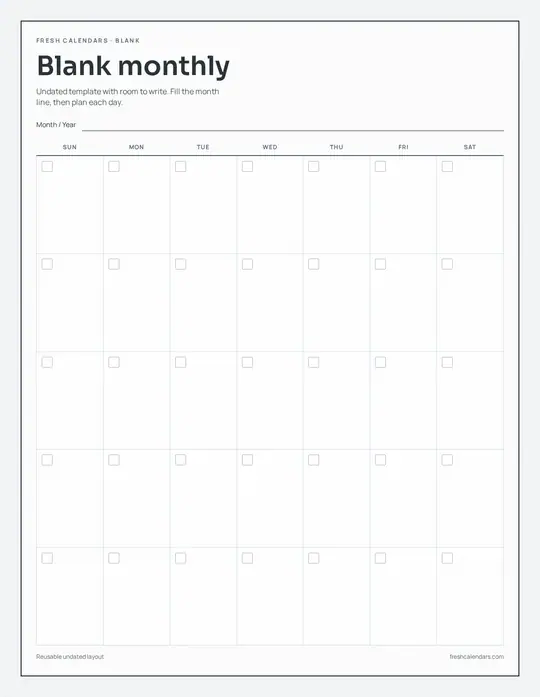
- Use a blank calendar for drafts: one print works for any month.
Letter and A4 side by side
US Letter is wider and A4 is taller, so a file made for one never fills the other exactly. Download the file made for your paper. If you only have the other one, print it at the scale below and it will fit with a slightly larger margin on two sides.
| Paper | Inches | Millimeters | Fits on the other size at |
|---|---|---|---|
| US Letter | 8.5 × 11 | 215.9 × 279.4 | 97.2% on A4 |
| A4 | 8.27 × 11.69 | 210 × 297 | 94.0% on Letter |
These are the largest scales before your printer's own margin. Most home printers cannot print the outer few millimeters of a sheet, so "Fit to printable area" picks a slightly smaller number for you.
Settings in the print dialog
- Scale: "Actual size" or 100% keeps the grid as drawn. Choose "Fit" only if an edge is cut off.
- Paper size: set it to match the file and the paper in the tray. A Letter file sent to a printer set to A4 is the usual reason a calendar prints off-center.
- Orientation: leave it on automatic. The Landscape design and the landscape year poster are wide pages; the rest are tall.
- Two-sided: turn it off for wall sheets. For a booklet of twelve months, choose two-sided with "flip on long edge".
- Headers and footers: if you print from the browser instead of the PDF, switch these off so the date and address do not print on the sheet.
Paper that suits a calendar
- Everyday copy paper (20 lb, about 75 gsm) is fine for a month you will replace.
- Heavier paper (28 to 32 lb, about 105 to 120 gsm) stops marker ink from showing through and hangs flatter on a wall.
- Cardstock (65 lb cover, about 176 gsm) suits a year poster or a desk calendar. Check your printer's manual for the heaviest paper it feeds.
- Matte paper takes pencil and pen. Glossy photo paper looks sharp but most pens smear on it.
When the print looks wrong
- An edge is cut off: switch from "Actual size" to "Fit", and turn off borderless printing.
- The calendar is small with wide margins: the paper size in the dialog does not match the file. Pick the matching size or download the other file.
- Lines look gray or broken: turn off draft mode for the final copy, or print the PDF instead of the PNG.
- Colors look dull: set the paper type in the dialog to the paper you loaded; plain-paper mode uses less ink.
- It prints on two pages: the scale is above 100%. Set it back to "Fit".
Printing bigger than your printer
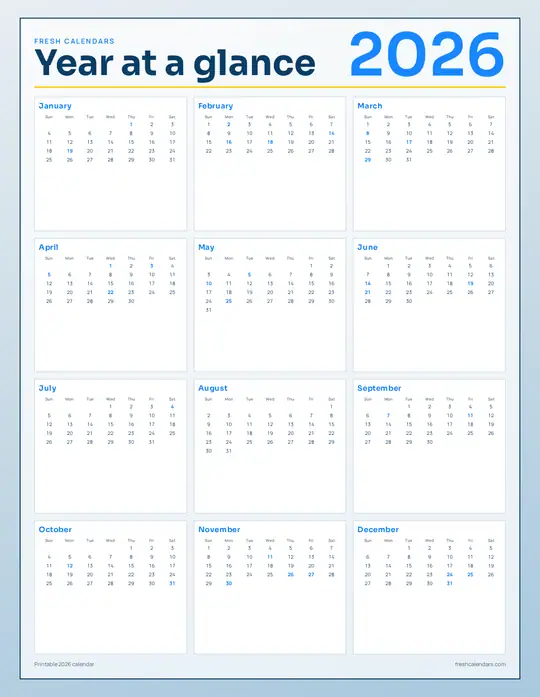
A copy shop can print the PDF on tabloid (11 × 17 in) or A3 paper; the grid and the type in the PDF are vector, so the lines stay sharp at any size. At home, the "Poster" option in Adobe Acrobat Reader's print dialog splits one page across several sheets that you trim and tape together. The 2026 yearly calendar is the sheet most people enlarge.
More printables
Sheets to try your printer settings on
FAQ
What paper size should I use?
Use the size in your printer tray. Every calendar has its own US Letter (8.5 × 11 in) and A4 (210 × 297 mm) file, so nothing needs scaling.
Why is my calendar cut off at the edges?
The printer cannot reach the outer edge of the sheet. Switch the scale from “Actual size” to “Fit” and turn off borderless printing.
Which template uses the least ink?
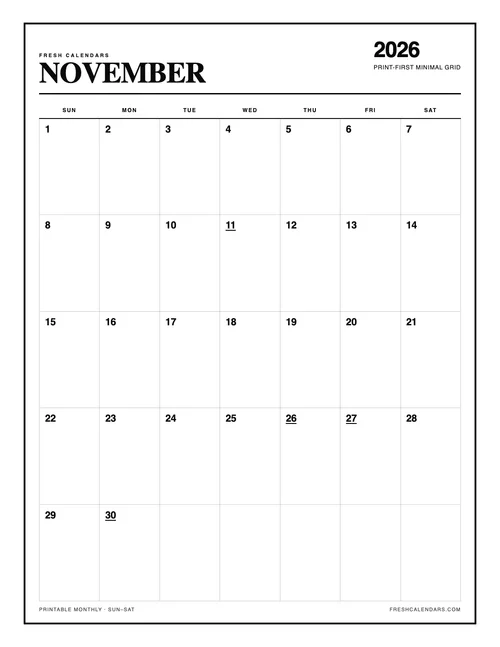
The Minimal design: black lines on white with no shading. Print it in grayscale, and in draft mode for a copy you will replace.