GTA 6 Age Rating: ESRB M for Mature 17+ and Parental Controls
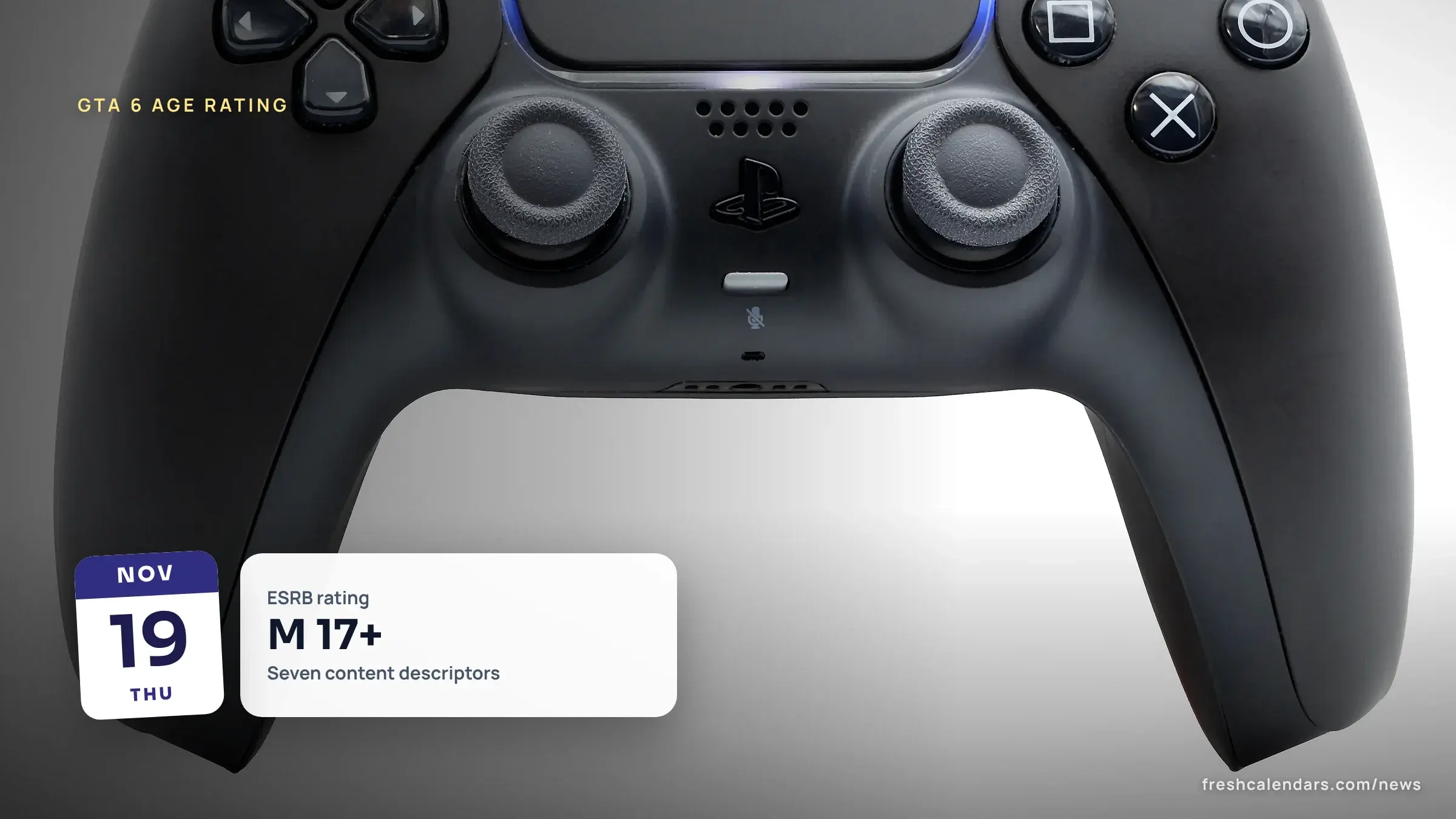
Grand Theft Auto (GTA) VI is rated M for Mature 17+ by the Entertainment Software Rating Board (ESRB). Each descriptor defined, plus PS5 and Xbox limits.

Published 3 min read
In this article
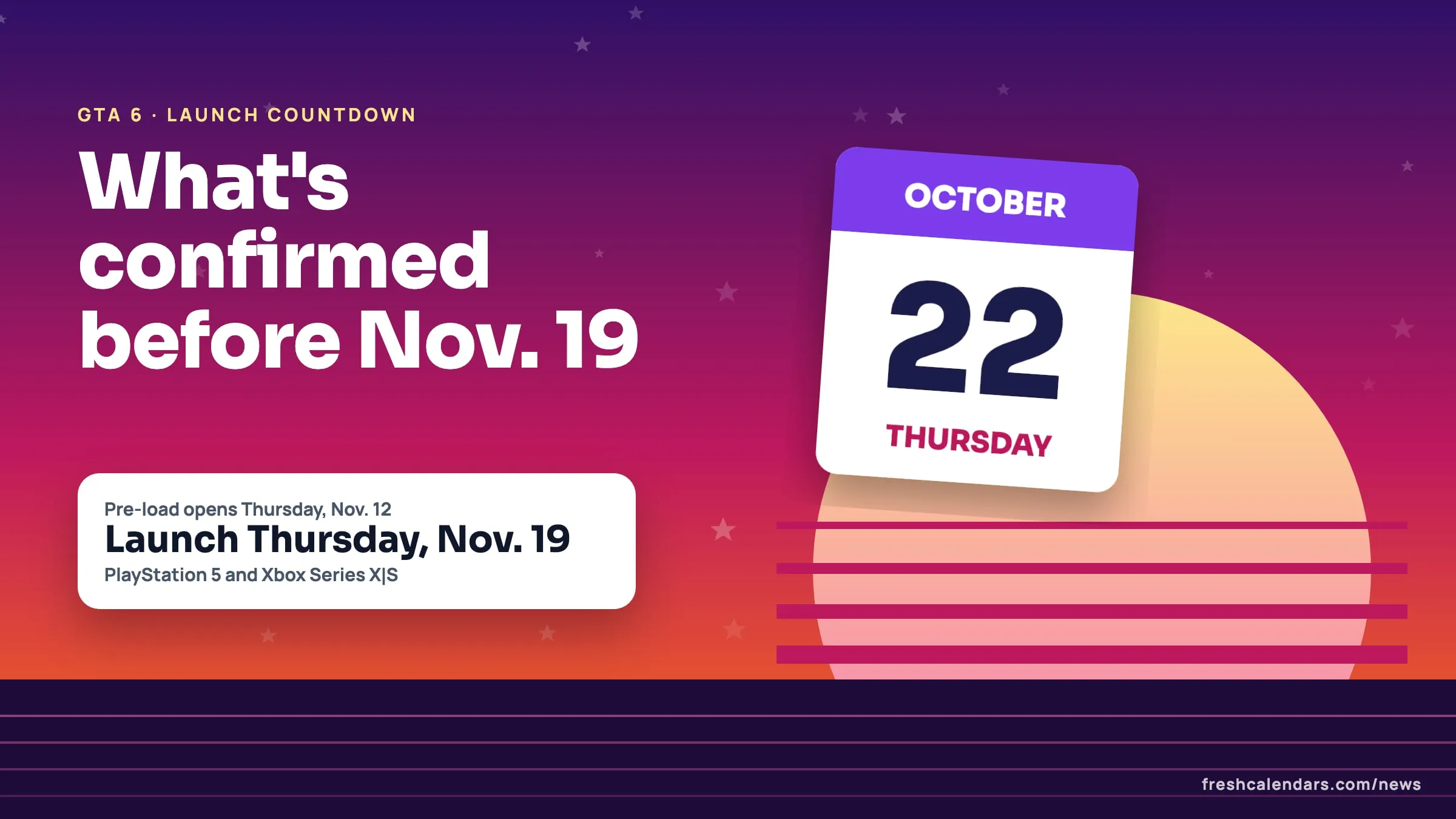
The Entertainment Software Rating Board (ESRB) rates Grand Theft Auto (GTA) VI M for Mature 17+ on PlayStation 5 and Xbox Series, according to its rating page for the game. The ESRB’s summary lists Blood and Gore, Intense Violence, Mature Humor, Nudity, Strong Language, Strong Sexual Content, and Use of Drugs and Alcohol, and adds that the game includes In-Game Purchases. The game launches Thursday, Nov. 19 (see every confirmed GTA 6 date). Below are the ESRB’s definitions and the console steps for limiting games by age.
What does the GTA 6 M 17+ rating mean?
The ESRB’s ratings guide defines M (Mature 17+) this way: “Content is generally suitable for ages 17 and up. May contain intense violence, blood and gore, sexual content and/or strong language.”
GTA 6 content descriptors in the ESRB’s words
| Descriptor on the GTA VI rating | ESRB definition |
|---|---|
| Blood and Gore | “Depictions of blood or the mutilation of body parts” |
| Intense Violence | “Graphic and realistic-looking depictions of physical conflict. May involve extreme and/or realistic blood, gore, weapons and depictions of human injury and death.” |
| Mature Humor | “Depictions or dialogue involving “adult” humor, including sexual references” |
| Nudity | “Graphic or prolonged depictions of nudity” |
| Strong Language | “Explicit and/or frequent use of profanity” |
| Strong Sexual Content | “Explicit and/or frequent depictions of sexual behavior, possibly including nudity” |
| Use of Drugs and Alcohol | Use of Drugs: “The consumption or use of illegal drugs”. Use of Alcohol: “The consumption of alcoholic beverages”. |
| In-Game Purchases (an interactive element, listed separately) | “Contains in-game offers to purchase digital goods or premiums with real world currency, including but not limited to bonus levels, skins, music, virtual coins and other forms of in-game currency, subscriptions, season passes and upgrades (e.g., to disable ads).” |
What M 17+ means at the store
The ESRB’s frequently asked questions page says “Most major retailers have established their own store policies requiring ESRB ratings.” It adds that retailers “have also implemented age verification for the sale or rental of M (Mature)” games. Citing the Federal Trade Commission (FTC), the ESRB says “unaccompanied children who attempt to purchase a Mature-rated video game are stopped 87% of the time.” The ESRB describes its rating system as voluntary.
PS5: restrict games by age
PlayStation’s support page gives this path. On PS5, a game can start “if the age rating is the same or lower than the child’s age.”
- Go to Settings > Family and Parental Controls > Family Management.
- Select the child.
- Select “Age level for games and apps (PS5/PS4 and PS3)”.
- Choose a level. The presets are named “Late Teens or Older”, “Early Teens” and “Child”.
The page does not say which level matches M; it links to Sony’s age ratings page for that.
Xbox Series X|S: restrict games by age
The steps below come from the ESRB’s Xbox parental controls guide, which summarizes Microsoft’s settings.
On the console:
- Open “Privacy and online safety”.
- Choose the family member.
- Select “Content restrictions” and set an age level.
The guide’s example is that “11” allows E10+ games but not T or M. In the Xbox Family Settings app, the path is “Your Family” > the child > “Content Restrictions” > “Allow Content Suitable for Age”.
Spending and purchase approval
| Platform | Setting | Source’s words |
|---|---|---|
| PlayStation | Select the child, then Parental Controls > Monthly Spending Limit | “By default, the monthly spending limit is set to 0.” |
| Xbox (ESRB guide) | On the Microsoft Family site | “Needs adult approval to buy things” set to On |
| Xbox (ESRB guide) | In the Family Settings app | The child > “Screen Time” |
On PlayStation, a child can request an exception for a game. The parent receives a notification and an email, and on PS5 can press the PS button, open the control center, select Notifications and go to Allowed Games.
What is not confirmed about the GTA 6 rating
- A Pan European Game Information (PEGI) rating: a search of pegi.info returned no entry for the game on Nov. 18.
- Ratings from other countries’ boards.
- Which PS5 age level equals M.
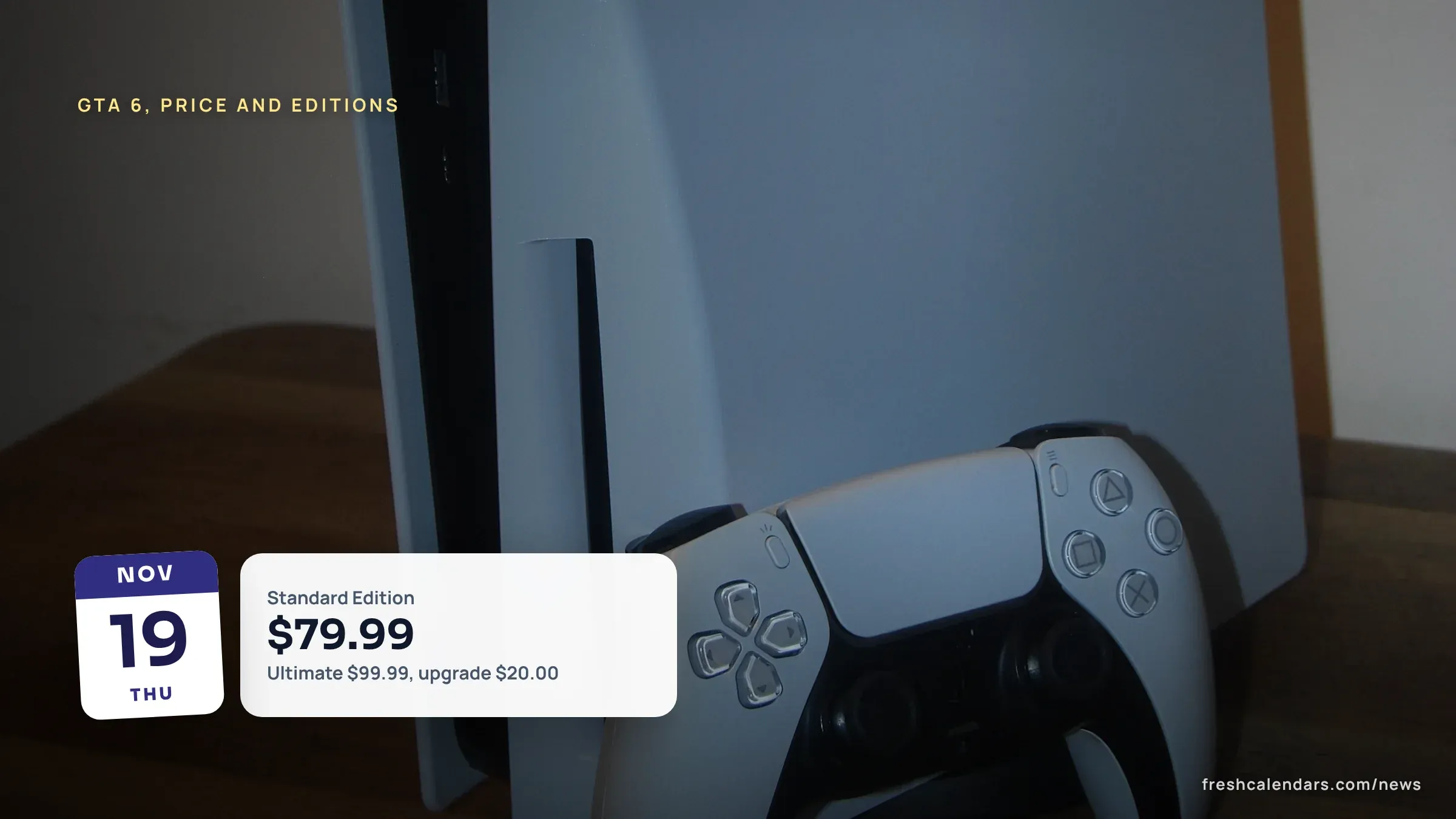
- What the in-game purchases are. Prices are in the price and edition breakdown.
- Rockstar’s minimum age for the Rockstar Games account that some features require: PlayStation’s page says only that the “minimum age varies”.
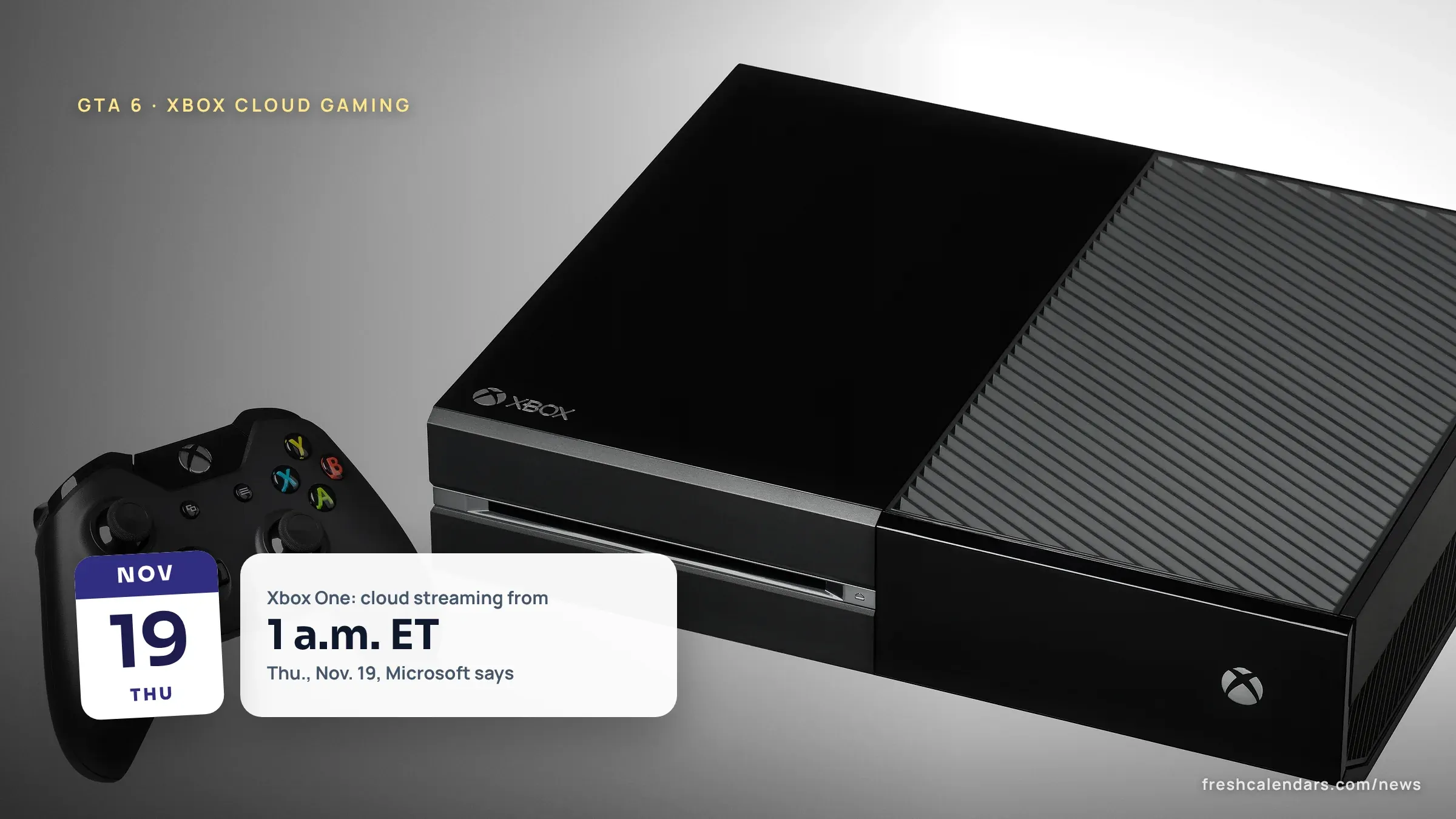
Platform availability, including Xbox cloud streaming, is covered separately.
Frequently asked questions
Does GTA 6 have in-game purchases?
The ESRB's rating page says the game also includes In-Game Purchases. The ESRB defines that label as offers to buy digital goods with real world currency. Which items GTA VI sells is not confirmed.
Can GTA 6 be played online with other people?
PlayStation's game page calls Grand Theft Auto VI a single-player experience. The same page says some features may require a Rockstar Games account, with a minimum age that varies.
Is there a PEGI rating for GTA 6?
Not confirmed. A search of the PEGI database at pegi.info returned no entry for the game on Nov. 18, and ratings from other countries' boards are not covered here.
What happens if a child asks to play a blocked game on PS5?
PlayStation says a child can ask for an exception for a game. The parent gets a notification and an email, and on PS5 can find the request under Notifications in the control center, then Allowed Games.
Sources
- Grand Theft Auto VI (Entertainment Software Rating Board, 2026-11-18)
- ESRB Ratings Guides, Categories, Content Descriptors (Entertainment Software Rating Board, 2026-11-18)
- Frequently Asked Questions (Entertainment Software Rating Board, 2026-11-18)
- How to set parental controls on PlayStation consoles (PlayStation (Sony Interactive Entertainment), 2026-11-18)
- Xbox - Parental Controls (Entertainment Software Rating Board, 2026-11-18)
- Grand Theft Auto VI - PS5 Games | PlayStation (US) (PlayStation, 2026-11-18)
Related news

More in Gaming & Tech
All Gaming & Tech stories →Trending now
- Black Friday Ads 2026: Date Is Nov. 27, Walmart Deals Nov. 23-29
- Thanksgiving Travel 2026: Best Days to Fly and Drive, Nov. 21 to 30
- CPKC Holiday Train 2026 Schedule: 182 Stops, Nov. 19 to Dec. 20
- Pumpkin Carving Templates PDF: 18 Free Printable Stencils
- Thanksgiving 2026 School Break: 52 of 81 Districts Off Nov. 23-27