How to Add Business Days in Excel, Skipping Weekends and Holidays
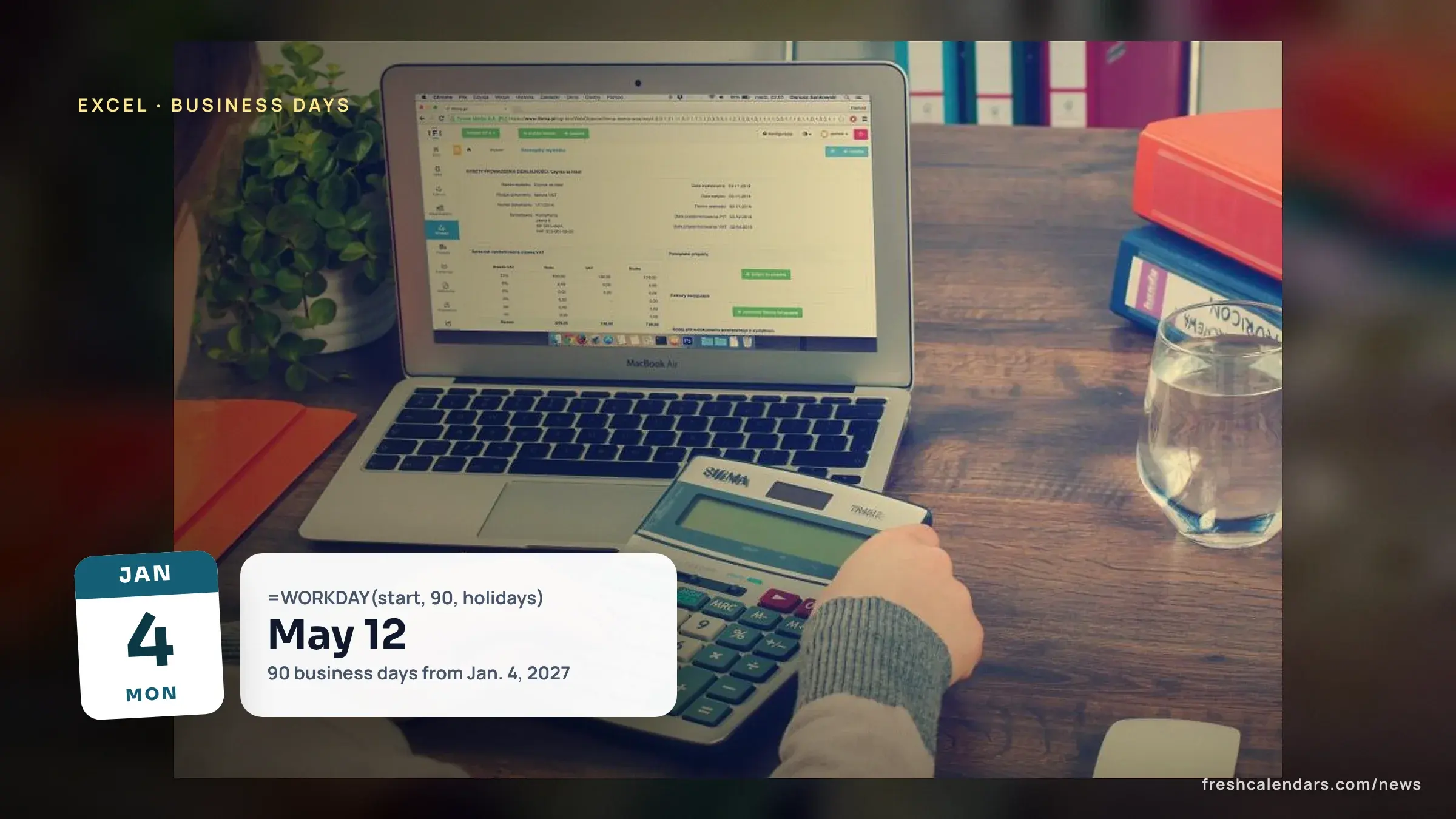
The workday function (WORKDAY) skips weekends and holidays: Jan. 4, 2027 plus 90 business days is May 12 with 11 Office of Personnel Management (OPM) dates.

Published 5 min read
In this article
The workday function (WORKDAY), written =WORKDAY(start_date, days, holidays), adds business days to a date and, per Microsoft Support’s WORKDAY page, skips Saturdays, Sundays and any dates you list as holidays. Starting Monday, Jan. 4, 2027, adding 90 business days returns Monday, May 10 with no holiday list and Wednesday, May 12 with the 11 federal observed dates from the U.S. Office of Personnel Management (OPM). Those results are our calculation. This guide gives the formula, a paste-ready 2027 holiday range, a weekend-code table and the differences in Google Sheets.
How does the WORKDAY formula add business days in Excel?
Microsoft gives the syntax as WORKDAY(start_date, days, [holidays]). The first two arguments are required and the holiday list is optional. Microsoft says working days exclude weekends and any dates identified as holidays, and that a negative value yields a past date.
A basic version, with a start date in cell A1 and a day count in B1:
=WORKDAY(A1, B1)
To type the date inside the formula, use the date function (DATE) so Excel reads it correctly: =WORKDAY(DATE(2027,1,4), 90). Microsoft explains that Excel stores dates as sequential serial numbers, and that dates should be entered by using the DATE function or as results of other formulas or functions. A date typed as plain text can return an error.
Microsoft lists two errors. If any argument is not a valid date, WORKDAY returns the value error (VALUE), shown as #VALUE!. If start_date plus days yields an invalid date, it returns the number error (NUM), shown as #NUM!.
How do I skip holidays with WORKDAY?
Put each holiday in its own cell, then pass that range as the third argument. Microsoft’s own example starts on 10/1/2008, adds 151 days and gets 4/30/2009; with holidays on 11/26/2008, 12/4/2008 and 1/21/2009 the result is 5/5/2009.
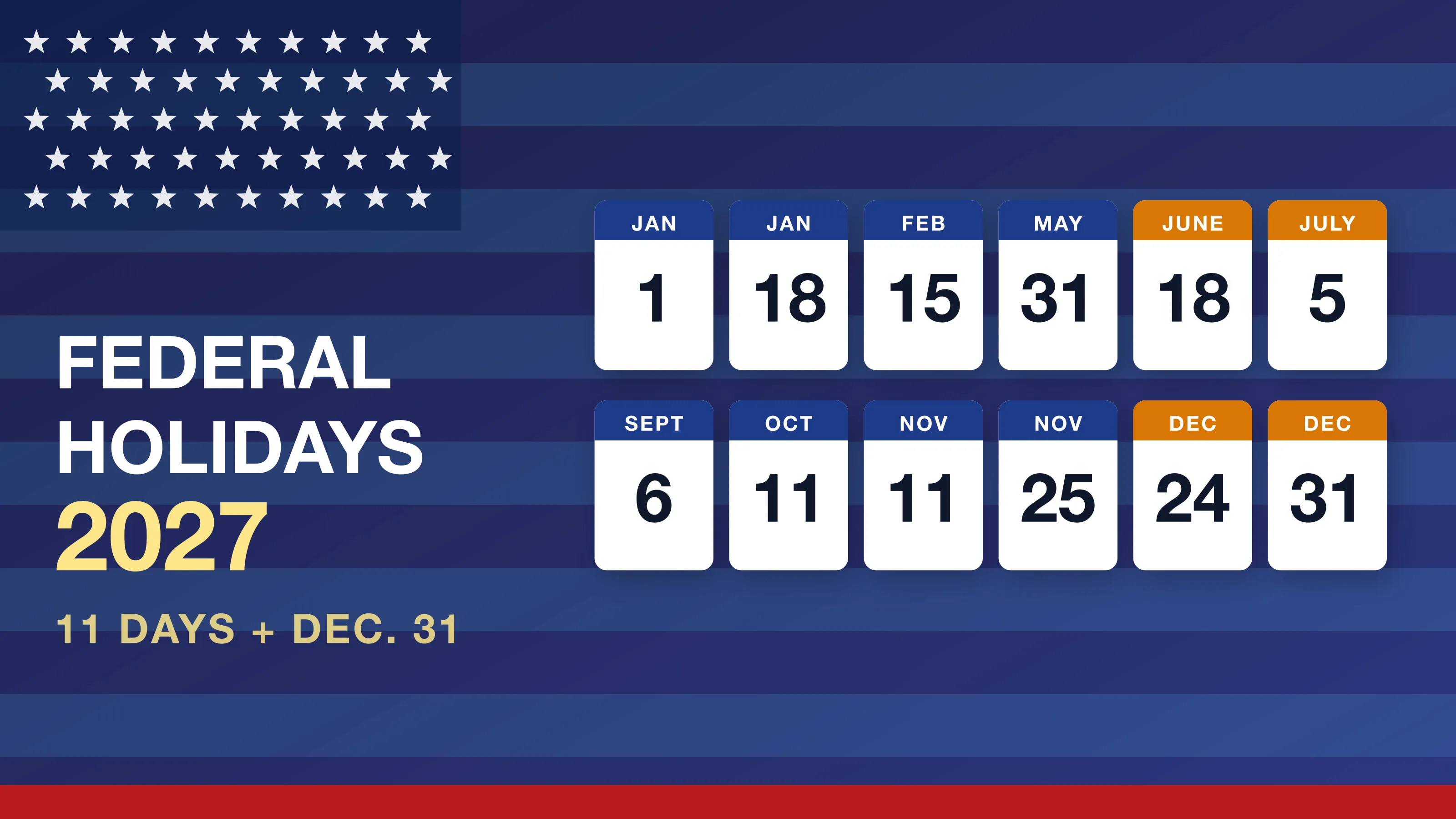
For 2027, the observed federal dates from OPM are below. OPM’s page says that if a holiday falls on a Saturday, for most federal employees the preceding Friday is treated as a holiday for pay and leave purposes. That is why Juneteenth, a Saturday in 2027, shows as Friday, June 18.
| Observed date, 2027 | Day |
|---|---|
| Jan. 1 | Fri. |
| Jan. 18 | Mon. |
| Feb. 15 | Mon. |
| May 31 | Mon. |
| June 18 (Juneteenth observed) | Fri. |
| July 5 (Independence Day observed) | Mon. |
| Sept. 6 | Mon. |
| Oct. 11 | Mon. |
| Nov. 11 | Thu. |
| Nov. 25 | Thu. |
| Dec. 24 (Christmas observed) | Fri. |
Enter them in cells A2 to A12 as =DATE(2027,1,1), =DATE(2027,1,18) and so on down to =DATE(2027,12,24). Then use the range:
=WORKDAY(DATE(2027,1,4), 90, A2:A12)
If your employer, school or contract uses another list, replace the 11 dates; the function only knows the dates you give it. OPM’s observed dates also move with the year, so a range built for 2027 should not be reused for 2028. For the full list and the reasons for each shift, see federal holidays in 2027.
What does WORKDAY return from Jan. 4, 2027?
We computed four results from Monday, Jan. 4, 2027 with a Saturday-Sunday weekend, once with no holidays and once with the 11 dates above.
| Business days added | No holidays | With the 2027 holiday list |
|---|---|---|
| 10 | Mon., Jan. 18 | Tue., Jan. 19 |
| 30 | Mon., Feb. 15 | Wed., Feb. 17 |
| 60 | Mon., March 29 | Wed., March 31 |
| 90 | Mon., May 10 | Wed., May 12 |
The holiday list adds one day to the 10-day result because Jan. 18 is on the list, and two days to the later results. Check your own sheet against these four rows before you rely on a longer formula.
To count the other way, Microsoft’s network days function (NETWORKDAYS), written NETWORKDAYS(start_date, end_date, [holidays]), returns the number of whole working days between two dates. As our worked example, NETWORKDAYS(DATE(2027,1,4), DATE(2027,1,8)) returns 5, Monday through Friday, so both end dates are counted. The same counting idea is behind how many business days are in a year: 2027 has 261 weekdays, and 250 of them are not one of the 11 dates above, by our count. Our month-by-month 2027 working days story shows 249 federal working days because it also counts Friday, Dec. 31, 2027, the observed date for New Year’s Day 2028.
Which weekend codes can WORKDAY change for a Friday-Saturday week?
When your week is not Saturday and Sunday, use the international version (INTL), WORKDAY.INTL(start_date, days, [weekend], [holidays]). Microsoft’s weekend codes are:
| Code | Weekend days |
|---|---|
| 1 or omitted | Saturday, Sunday |
| 2 | Sunday, Monday |
| 3 | Monday, Tuesday |
| 4 | Tuesday, Wednesday |
| 5 | Wednesday, Thursday |
| 6 | Thursday, Friday |
| 7 | Friday, Saturday |
| 11 | Sunday only |
| 12 | Monday only |
| 13 | Tuesday only |
| 14 | Wednesday only |
| 15 | Thursday only |
| 16 | Friday only |
| 17 | Saturday only |
Instead of a code you can give a weekend string. Microsoft says weekend string values are seven characters long, and that 0000011 gives a Saturday-Sunday weekend; the string starts on Monday. For a Friday-Saturday weekend, =WORKDAY.INTL(DATE(2027,1,4), 90, 7, A2:A12) uses code 7, and the matching string is 0000110. Microsoft’s NETWORKDAYS.INTL(start_date, end_date, [weekend], [holidays]) takes the same weekend argument for counting.
Does Google Sheets add business days the same way?
Mostly. Google Docs Editors Help says WORKDAY calculates the end date after a specified number of working days, and gives the syntax as WORKDAY(start_date, num_days, [holidays]). WORKDAY.INTL adds [weekend] and NETWORKDAYS counts working days with the same [holidays] argument.
| Excel | Google Sheets | |
|---|---|---|
| Add business days | WORKDAY(start_date, days, [holidays]) | WORKDAY(start_date, num_days, [holidays]) |
| Custom weekend | WORKDAY.INTL(start_date, days, [weekend], [holidays]) | WORKDAY.INTL(start_date, num_days, [weekend], [holidays]) |
| Count between dates | NETWORKDAYS(start_date, end_date, [holidays]) | NETWORKDAYS(start_date, end_date, [holidays]) |
Google adds a note: WORKDAY does not autoconvert number formats in the same way that Google Sheets does upon direct entry into cells. In practice, use DATE(2027,1,4) or a cell reference rather than typing a date inside the formula. Google’s WORKDAY.INTL page also describes a weekend string in which a zero means a work day and a 1 means a weekend day.
Print the WORKDAY formula cheat sheet
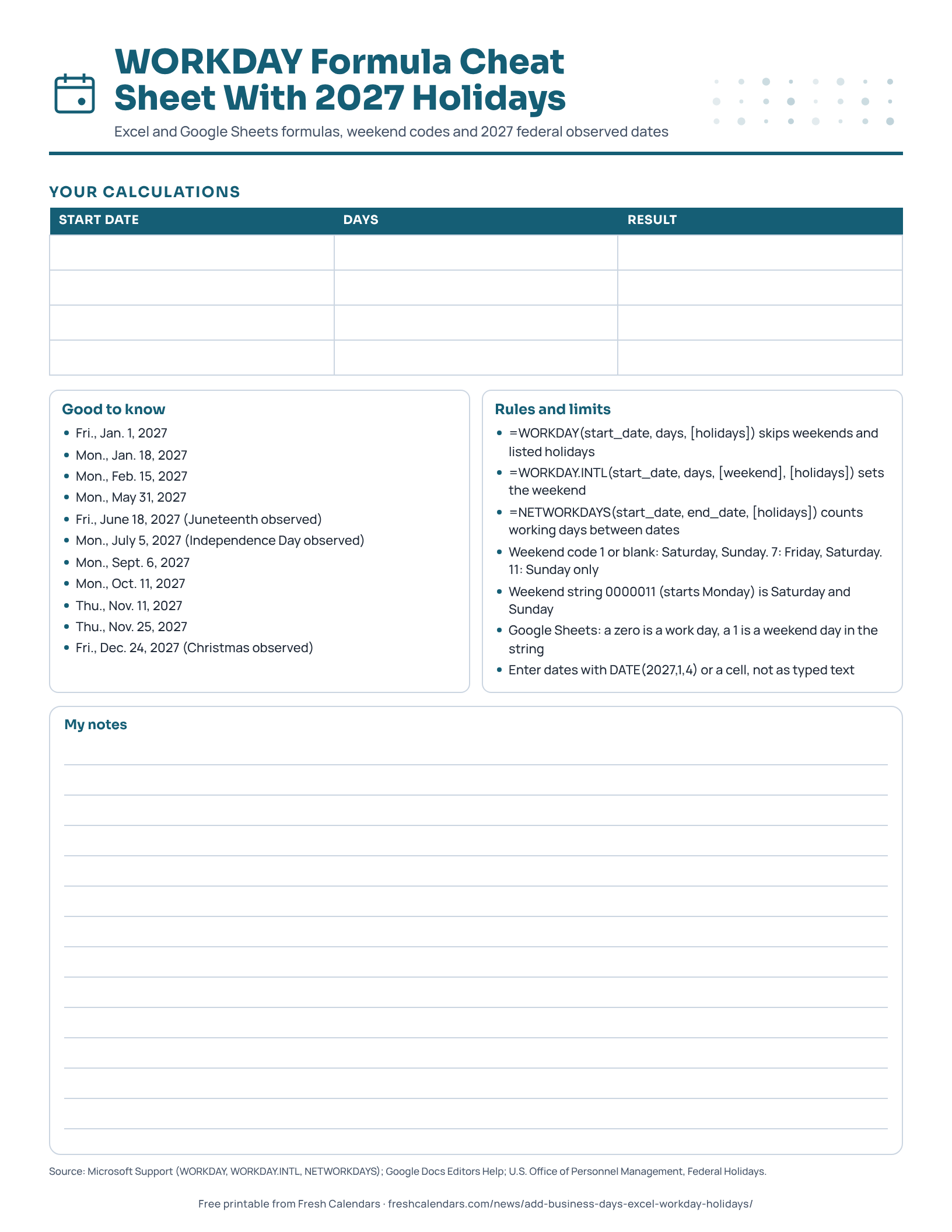
The one-page printable holds the three formulas, the weekend codes, the Google string rule and the 11 observed 2027 dates, with a small table for your own start dates and results. Mark the start date on a 2027 printable yearly calendar or the January 2027 printable calendar, and see the US holiday list if you need dates beyond the federal ones.
Free printable downloads
Every template is free, needs no sign-up and prints on US Letter paper. Choose PDF for printing or PNG for screens and documents.
WORKDAY Formula Cheat Sheet With 2027 Holidays printables
-
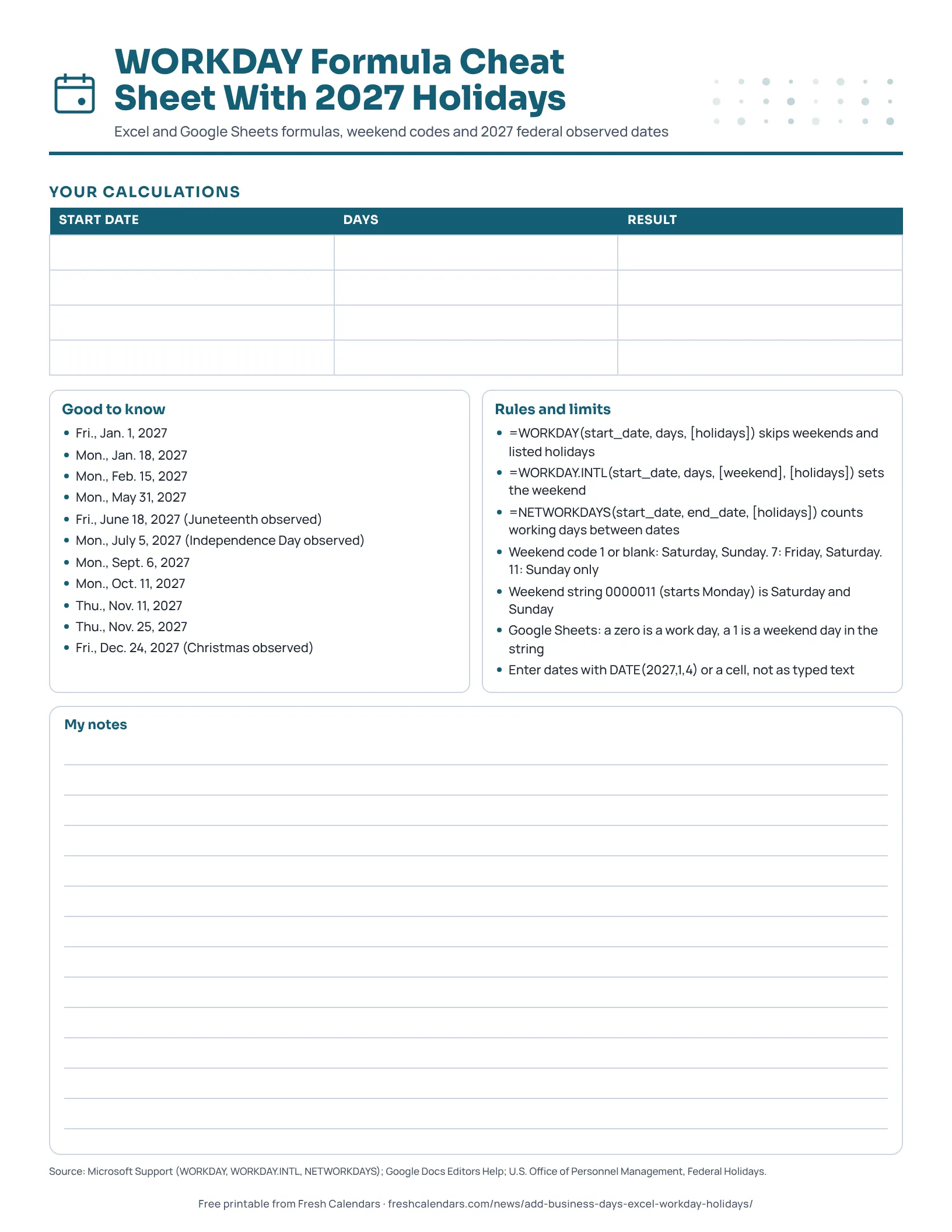
WORKDAY Formula Cheat Sheet With 2027 Holidays
One-page cheat sheet for the WORKDAY, WORKDAY.INTL and NETWORKDAYS formulas, with weekend codes and the 11 observed federal holiday dates for 2027.
Frequently asked questions
Does WORKDAY count the start date?
In our worked example it does not. Starting Monday, Jan. 4, 2027, WORKDAY with 10 days and no holidays returns Monday, Jan. 18, which is 10 weekdays later. Microsoft's page does not describe this in words, so test your own start date.
Can WORKDAY go backward?
Yes. Microsoft says a negative days value yields a past date.
Why does WORKDAY return #VALUE! or #NUM!?
Microsoft says the value error (#VALUE!) appears when any argument is not a valid date, and the number error (#NUM!) when start_date plus days yields an invalid date.
How do I count business days between two dates instead?
Use NETWORKDAYS(start_date, end_date, [holidays]), which Microsoft says returns the number of whole working days between the two dates. In our worked example, NETWORKDAYS(DATE(2027,1,4),DATE(2027,1,8)) returns 5, so both end dates are counted.
Sources
- WORKDAY function (Microsoft Support, 2026-11-04)
- WORKDAY.INTL function (Microsoft Support, 2026-11-04)
- NETWORKDAYS function (Microsoft Support, 2026-11-04)
- NETWORKDAYS.INTL function (Microsoft Support, 2026-11-04)
- WORKDAY (Google Docs Editors Help, 2026-11-04)
- WORKDAY.INTL (Google Docs Editors Help, 2026-11-04)
- NETWORKDAYS (Google Docs Editors Help, 2026-11-04)
- Federal Holidays (U.S. Office of Personnel Management, 2026-11-04)
Related news
-
 How Many Business Days Are in a Year? 260 to 262 Weekdays, Federal Counts 2024-2035
-
 Working Days in 2027: 249 Federal, 251 NYSE Trading Days, Month by Month
-
 Federal Holidays 2027: All 11 Observed Dates, a Printable List and a Bonus Day Off on Dec. 31
-
 How to Count Days Between Two Dates in Excel and Google Sheets, With 2027 Examples
More in Calendar Guides
All Calendar Guides stories →- MM/DD or DD/MM? How Countries Write Dates, and the ISO Fix
- Hebrew Year 5787 Is a Leap Year: Adar I, Adar II and Purim 2027
- Chinese Lunar Calendar 2027: Every Month's Start Date and No Leap Month
- Nowruz 2027: The Equinox Time and Why the Persian New Year Is March 21
- When a Deadline Falls on a Weekend: The IRS, Court and Agency Rules
Trending now
- Black Friday Canada 2026: Nov. 27 Date, Canadian Tire Deals From Nov. 5, Who Hasn't Announced
- November 2026 Meteor Showers: Taurid Fireballs Under Dark Skies, Then the Leonids on Nov. 16-17
- SNAP Payment Schedule November 2026: Deposit Dates for Every State, With Weekend Days Flagged
- Election Night 2026 Live Blog: Results Map, Senate, House and Governor Races
- Black Friday 2026 Deals: Date Is Friday, Nov. 27, Live Countdown and Ad Tracker