How to Print a Calendar PDF at Actual Size: Print Settings for Edge, Mac and Home Printers
To print a calendar PDF on US Letter paper, pick Actual size or Fit, check margins and paper size. Option names from Microsoft and Apple, plus a fix table.

Published 4 min read
In this article
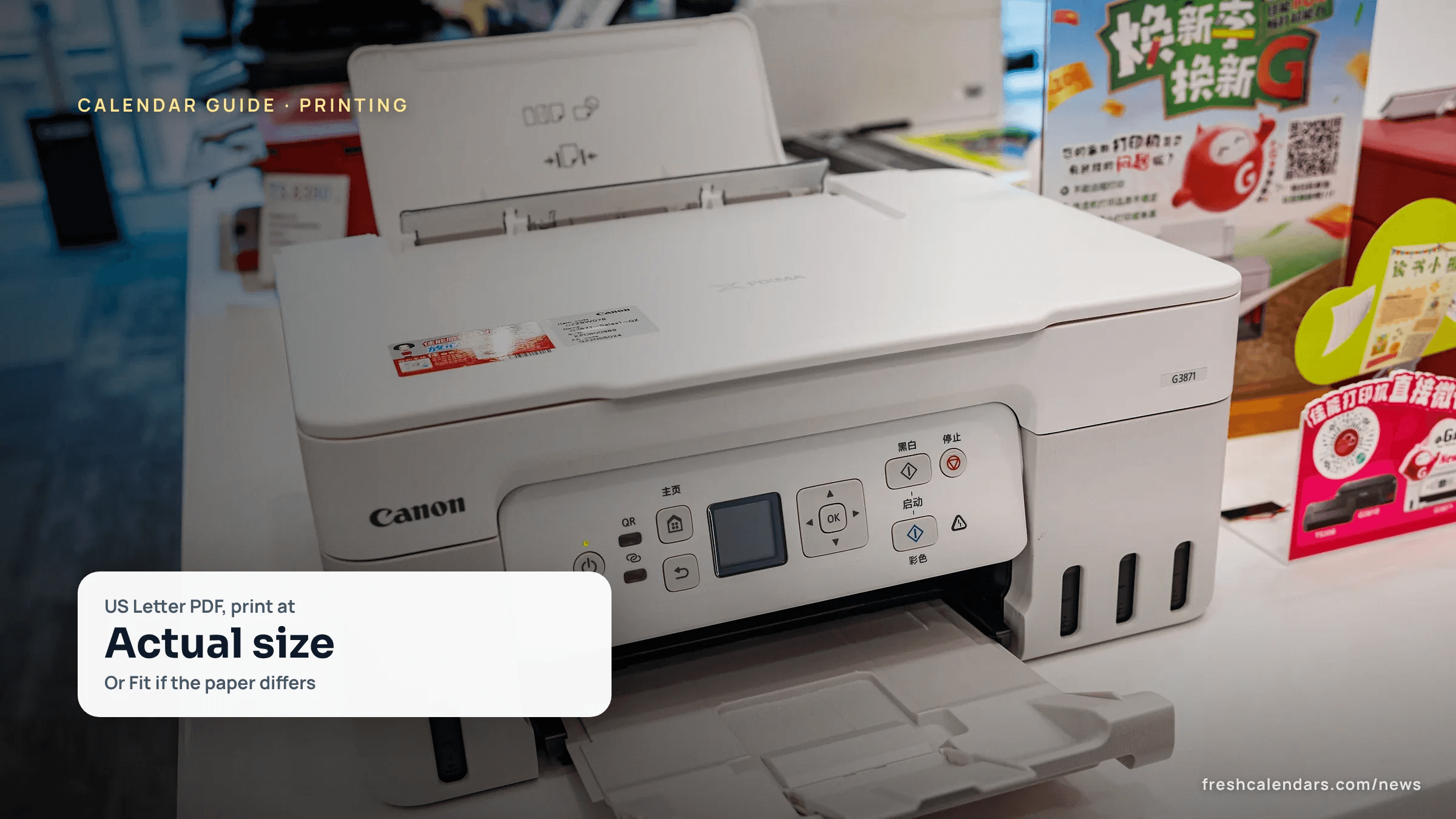
To print a calendar PDF at its designed size, choose Actual size, which Microsoft Edge describes as printing “the document in its original size without any scaling.” Use Fit when the paper in your printer differs from the page. This guide gives the option names from Microsoft and Apple, a table of fixes for cut-off and shrunken pages, and a one-page checklist to print and keep.
Our printables are US Letter (8.5 x 11 in) PDFs with real vector text, and every line of text sits at least 0.25 in from the edge. You can pick any of them from the free printable calendars or, for this month, the November printable calendars.
Print settings in Edge and on a Mac
Option names differ by app and printer, so this table lists only the ones the vendors document.
| App | Setting | What the vendor says |
|---|---|---|
| Microsoft Edge | Scale: Fit | “Automatically adjust the size of the content to fit within the printable area of the paper.” |
| Microsoft Edge | Scale: Actual size | “Prints the document in its original size without any scaling.” |
| Microsoft Edge | Margins: Default | “Will leave 1-inch margins on all sides.” |
| Microsoft Edge | Margins: None | “Eliminates margins on all sides.” |
| Mac print dialog | Scale Down Only | “Keep smaller documents at their original size.” |
| Mac print dialog | Paper Handling, scale to fit paper size | Then choose your printer’s paper size from the Destination Paper Size menu. |
Sources: Microsoft Support, Print in Microsoft Edge; Apple Support, Choose print options before you print on Mac. Both pages were checked on Oct. 30, 2026.
Apple’s Preview page, for PDFs that look the wrong size, states “Size on screen equals size on printout.” Check the preview before sending the job.
Why do printed calendar edges get cut off?
Every printer has an area it can reach. Canon says “the actual printable area will be the area inside these margins” and recommends printing within it. Its table lists the printable area for Letter paper as 203.2 x 271.4 mm, or 8.0 x 10.7 in.
That figure is the printable area, not the paper size. Against an 8.5 x 11 in sheet it leaves about 0.25 in on each side and about 0.15 in at the top and bottom (our arithmetic, not Canon’s). Epson’s spec sheet for one inkjet model, the ET-3700, lists top and bottom margins of 0.12 inch (3 mm) on single sheets. That is one model, so check your own printer’s manual.
This is why our PDFs keep text 0.25 in from every edge. A date box drawn to the very edge of a page falls outside the printable area.
| Width and height | US Letter paper | Canon printable area, Letter | Margin left over (computed) |
|---|---|---|---|
| Width | 8.5 in | 8.0 in | 0.25 in each side |
| Height | 11 in | 10.7 in | 0.15 in top and bottom |
What does borderless printing change?
Canon says that by selecting Borderless Printing, “printing with no margins is possible.” Not every printer has the mode. An Epson specification page adds that “when printing borderless, quality may decline in the expanded printable area.”
A calendar with a 0.25 in inner edge does not need it. A grid with text 0.25 in inside the edge prints in full without borderless mode, and Edge’s Margins: None only changes the dialog, not what the printer can reach.
Calendar printing problems and fixes
| Problem | Check | Fix |
|---|---|---|
| Edges or the footer are cut off | Paper size in the dialog against the paper in the tray | Match the paper size. If the tray holds A4, choose Fit in Edge or scale to fit paper size on a Mac so the Letter page is not clipped. |
| The page looks smaller than expected | Scale setting | Fit adjusts content to the printable area, and Edge’s Default margins are 1 inch. Try Actual size, which uses no scaling. |
| Pages print in the wrong size on a Mac | Paper Handling | Choose scale to fit paper size, then your printer’s paper size from Destination Paper Size. |
| A smaller document does not stay its original size on a Mac | Scale Down Only | Select it to keep smaller documents at their original size. |
| The printer cannot reach the edge | Printer manual | Print within its printable area (Canon’s advice) or use Borderless Printing if the printer has it. |
A4 measurements and option names for Adobe Acrobat and Google Chrome are not covered here because those pages were not reachable or confirmed when we checked.
Calendar printing checklist to print and keep
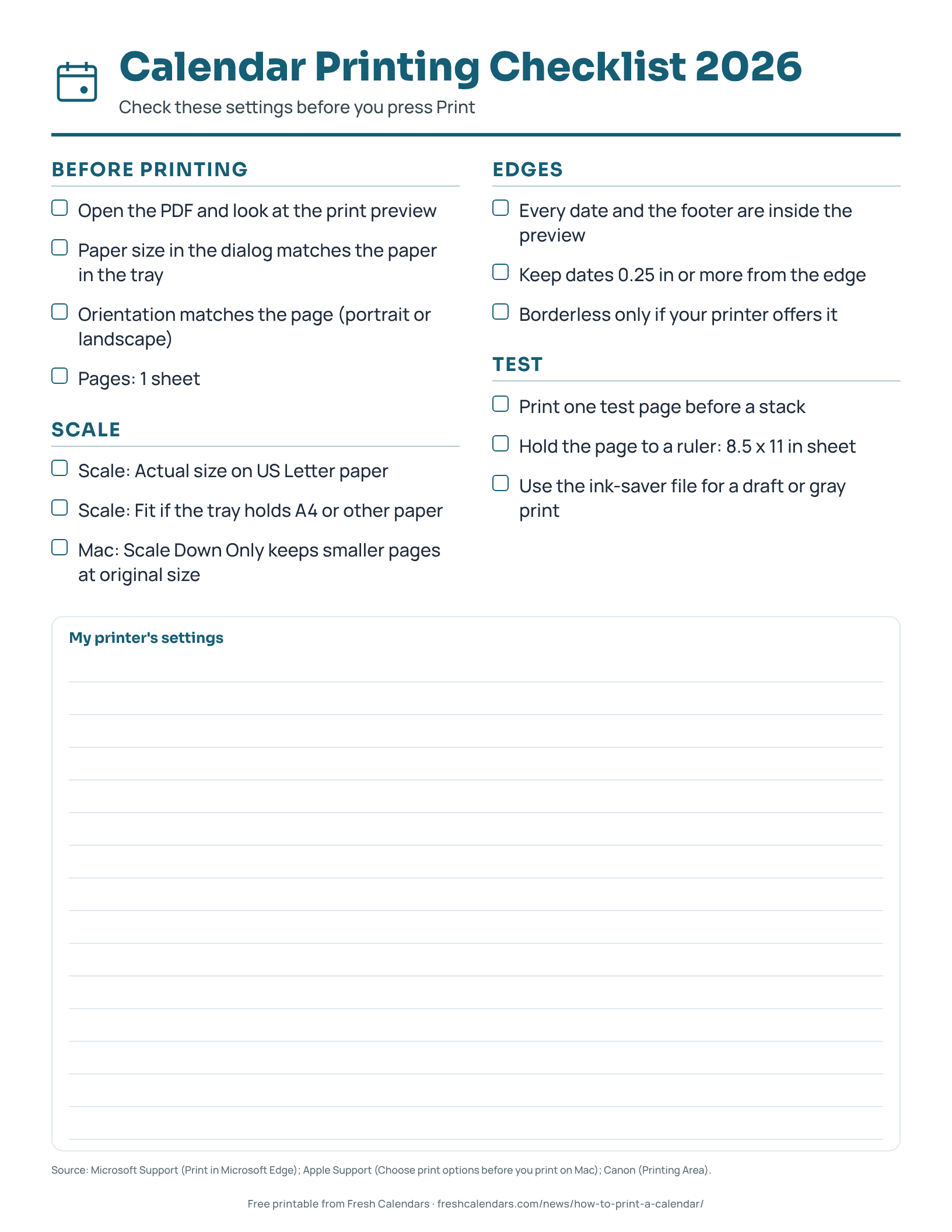
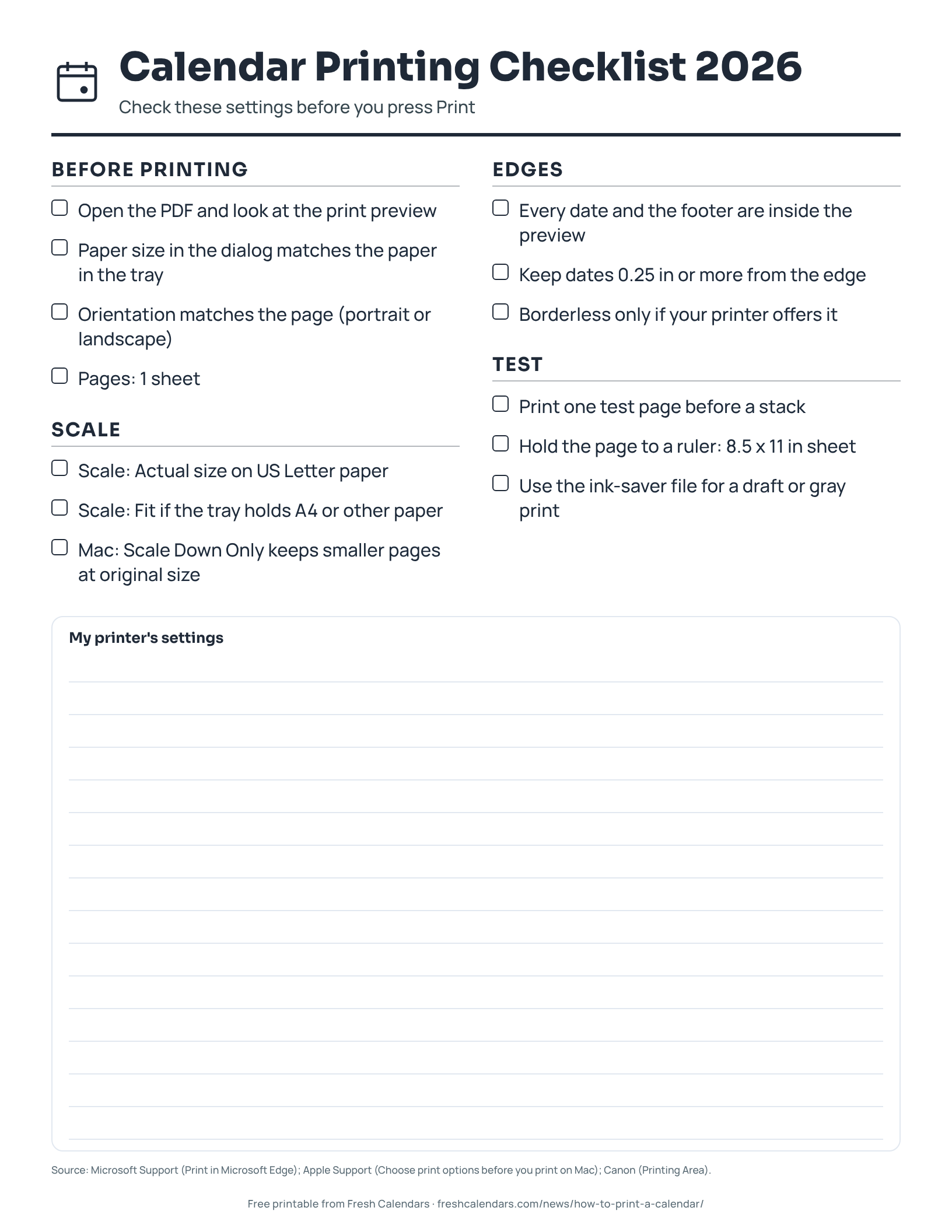
The checklist PDF has 13 tick boxes: paper size, orientation, scale, edges and a test page. It comes in a standard and an ink-saver version, with a notes area for your own printer’s settings.
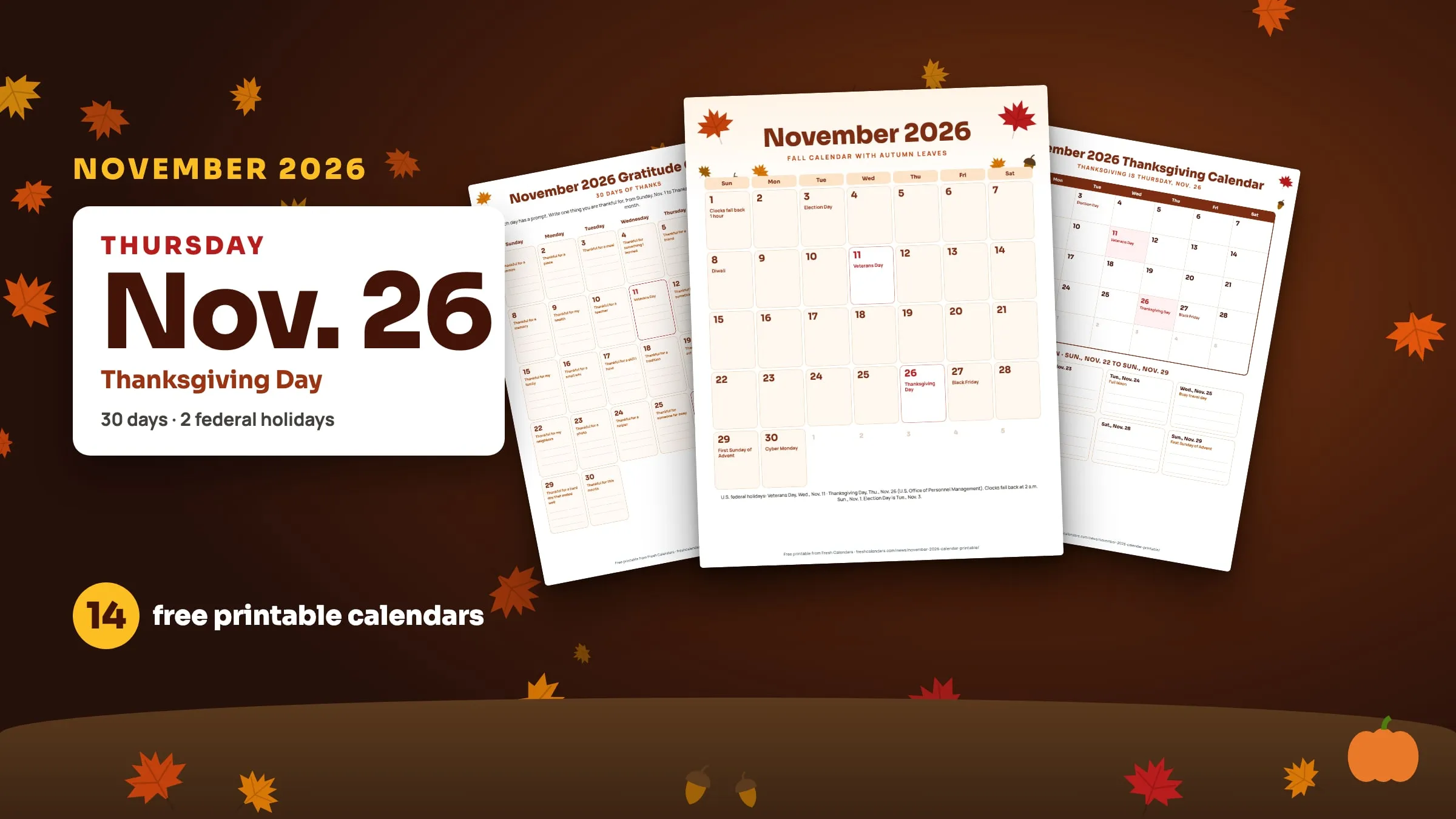
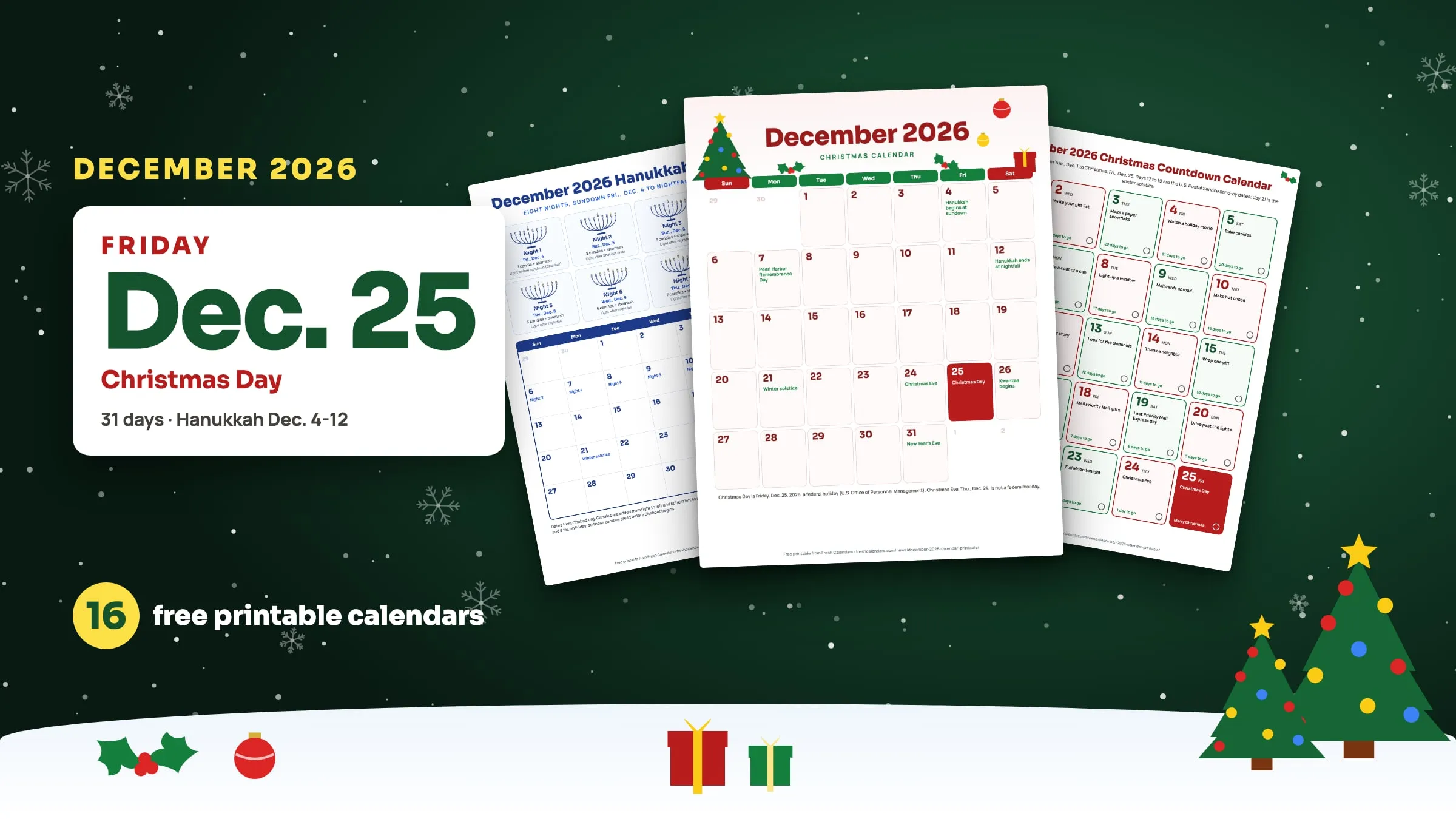
Print one test page before a stack, especially for a yearly sheet such as the printable yearly calendar. Once the settings work, they apply to any of the sheets in this series, from the November 2026 calendar printables to the December 2026 set. If you are choosing between a Sunday and a Monday first column, see Monday start vs. Sunday start calendars.
Free printable downloads
Every template is free, needs no sign-up and prints on US Letter paper. Choose PDF for printing or PNG for screens and documents.
Calendar Printing Checklist 2026 printables
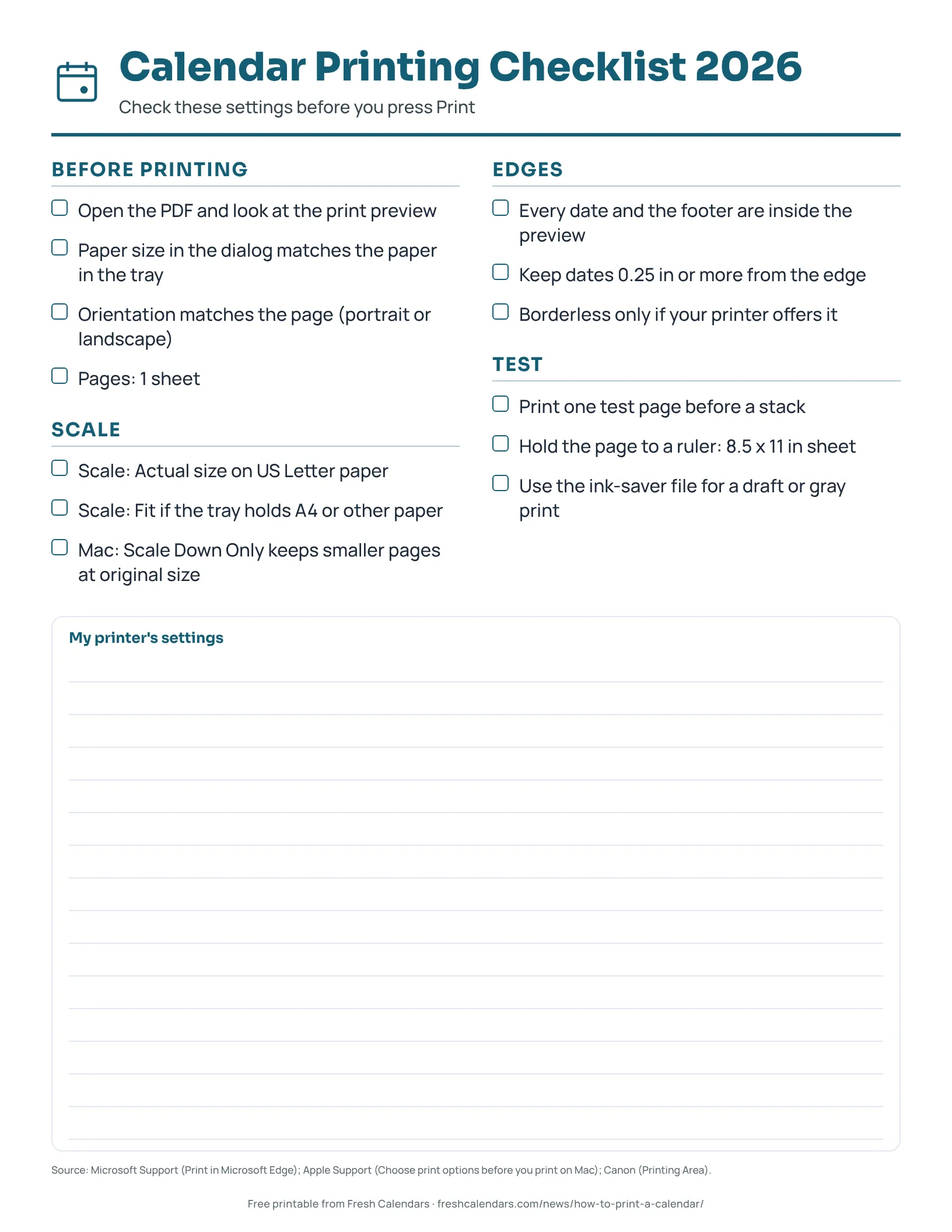
Calendar Printing Checklist 2026
One-page checklist for printing a calendar PDF on US Letter paper: paper size, orientation, scale, edges and a test page, with space for your printer's settings.
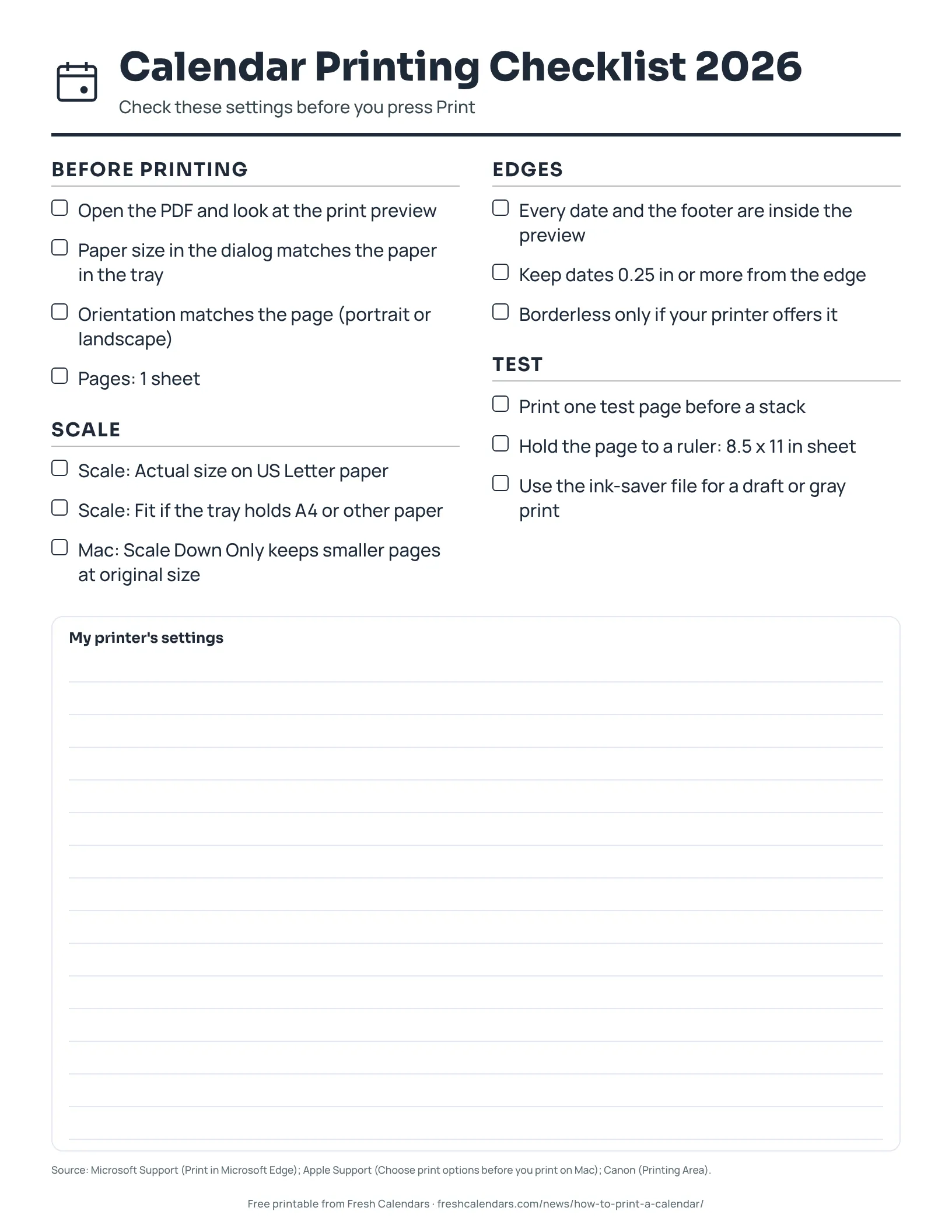
Calendar Printing Checklist 2026 (ink saver)
One-page checklist for printing a calendar PDF on US Letter paper: paper size, orientation, scale, edges and a test page, with space for your printer's settings. Ink-saver version.
Frequently asked questions
Should I choose Fit or Actual size for a calendar PDF?
Microsoft says Actual size prints the document in its original size without any scaling, and Fit adjusts the content to the printable area. With a US Letter PDF on Letter paper, Actual size keeps the calendar at its designed size. With a different paper size in the tray, Fit keeps the page from being clipped.
Why are the edges of my printed calendar cut off?
Printers cannot print to every edge. Canon says the actual printable area is inside the margins and recommends printing within it, and one Epson inkjet spec sheet lists 0.12 inch (3 mm) top and bottom margins on single sheets. Switch to Fit or check that the paper size in the dialog matches the paper in the tray.
Can I print a calendar with no margins?
Only on printers with a borderless mode. Canon says choosing Borderless Printing makes printing with no margins possible, and an Epson spec sheet warns that quality may decline in the expanded printable area. Edge's Margins: None setting removes the margins in the dialog, not the printer's own limits.
Does a calendar PDF print the same on A4 paper?
Our PDFs are US Letter. If your printer is loaded with A4 paper, choose Fit (Edge) or scale to fit paper size (Mac) so the Letter page is not clipped. This story does not give A4 measurements because the official standard page was not reachable when we checked.
How do I save ink when printing a calendar?
Many Fresh Calendars printables have an ink-saver version, which this checklist also has. Find the files on the printable calendars page or the month pages.
Sources
- Print in Microsoft Edge (Microsoft Support, 2026-10-30)
- Choose print options before you print on Mac (Apple Support, 2026-10-30)
- If PDFs or images aren't the correct size in Preview on Mac (Apple Support, 2026-10-30)
- Printing Area (Canon, 2026-10-30)
- Printable area specification, Epson ET-3700 (Epson, 2026-10-30)
Related news

More in Calendar Guides
All Calendar Guides stories →- How to Calculate the Day of the Year, From 001 to 365 or 366, With a Month Table
- What Is the 100th Day of the Year? April 10, or April 9 in Leap Years
- How Many Days Are Left in the Year? The Formula, Plus the Count From Oct. 30, 2026
- What Is a Fiscal Year? Federal, State and UK Dates With Quarter Tables
- How to Find the Day of the Week for Any Date: Zeller, Doomsday and Spreadsheet Codes